
How to Redesign Your House Exterior With AI From One Photograph
Half the AI design market can't work outside the room, which matters if you're renovating the outside of a building.
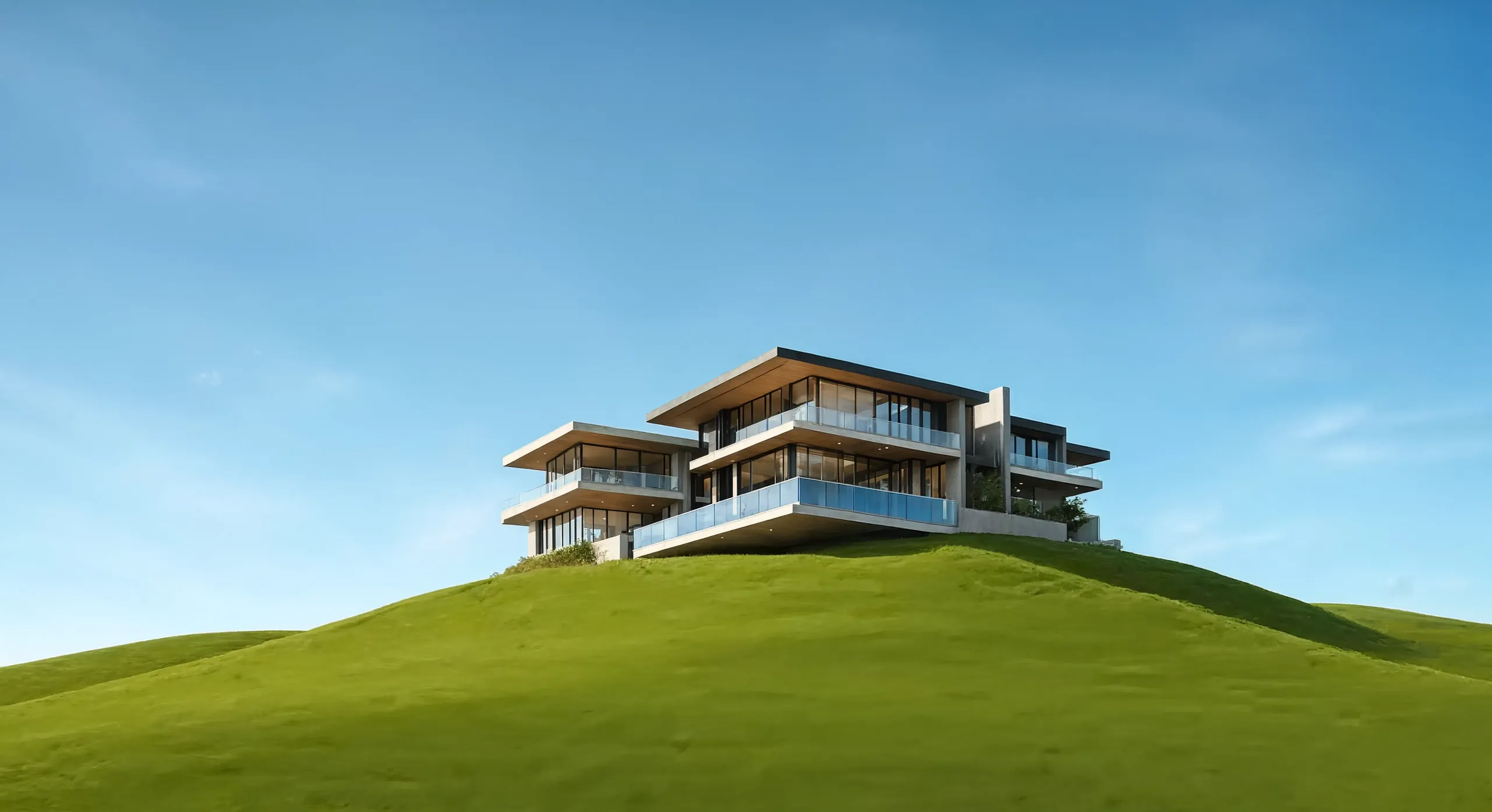
Exterior is the underserved half of this market
Of twenty-three AI design platforms surveyed in 2026, only about fourteen handle facades or yards at all, and several of those treat exteriors as a bolt-on to an interior product. The interior-only tools are perfectly good at what they do and no use at all once you point them at a house.
Exterior work is where the money goes. Recladding, reroofing and window replacement are the decisions people most want to see before committing, and a mood board helps least with them.
Get the photograph right first
Exterior renders fail on input quality far more often than on model quality. Five minutes of care here saves an afternoon of retries.
- Shoot straight on from across the street, not at an angle from the driveway.
- Flat, overcast light. Hard midday shadow bakes itself into the render.
- Get the whole building in frame with a little air around it.
- Move the cars. The model will try to keep them.
- Avoid heavy foliage covering the facade; reshoot in a different season if you must.
Change one variable at a time
It's tempting to prompt for a completely new house. You learn more by holding everything fixed and changing one element, so you can tie what you like to a decision you could actually make.
Run the same photo through render, brick and timber with otherwise identical wording. Then take the winner and vary the window frames, then the roof. Masking makes this precise: brush only the cladding and the rest of the image stays untouched between variants, so the comparison is fair.
Twilight, planting and the curb appeal shot
Two changes improve an exterior image out of all proportion to the effort: converting a daylight shot to twilight, and maturing the planting. Both are single prompts. They are also the two changes most likely to mislead, because a twilight render with fifteen-year-old landscaping is selling a house that won't exist for fifteen years.
Use them freely for inspiration. If the image is going into a property listing, disclose that it's a render and keep a clean, unstaged photo alongside it.
Where AI exterior renders stop
An AI render is a visual concept. It doesn't know your local planning rules, your conservation area constraints, whether that wall is load-bearing, or what the material costs installed.
Use it to start the conversation with a partner, a builder or a planning officer, then have the real one with drawings and quotes.
Watch the demo
Frequently asked questions
- Can AI redesign my house exterior from a photo?
- Yes. Upload a straight-on daylight photo of the facade and you can change cladding, roof, windows, doors, paving and planting while keeping the building's actual geometry.
- Can AI render an architecture sketch of a house?
- Yes. A clean line sketch of a facade gives the AI its openings and proportions, and your prompt supplies the materials and light. It works as an AI image generator from a sketch as well as from a photo.
- Is there a free AI exterior design tool?
- Free tiers exist, but most are interior-first. CreateLevel's free tier includes exterior and facade generation. Many don't, so check before you spend time on a tool that turns out to be interior-only.
- Will planning permission accept an AI render?
- No. Planning submissions need scaled drawings from a qualified professional. AI renders help in early conversations and for explaining intent, but they aren't submission documents.
Try it on your own room
Every style unlocked, interior and exterior both included. Plans from $7.
Keep reading
AI Exterior Home Design & Facade Design
Free AI house exterior design from one photo. See a new facade, roof, cladding or garden before you commit a penny, in photorealistic renders made in seconds.
Scribble to Design: AI Image Generation From a Room Sketch (2026 Guide)
Scribble a room, get a photoreal render back. How scribble-to-image AI reads your sketch, how to draw furniture placement onto a real room photo, and which 2026 tools can do it.
Free AI Interior Design Tools in 2026: What the Free Tiers Give You
Twenty of twenty-three platforms advertise a free tier. Fewer than half of those free tiers show you the quality you would be paying for.