
Free AI Interior Design Tools in 2026: What the Free Tiers Give You
Twenty of twenty-three platforms advertise a free tier. Fewer than half of those free tiers show you the quality you would be paying for.
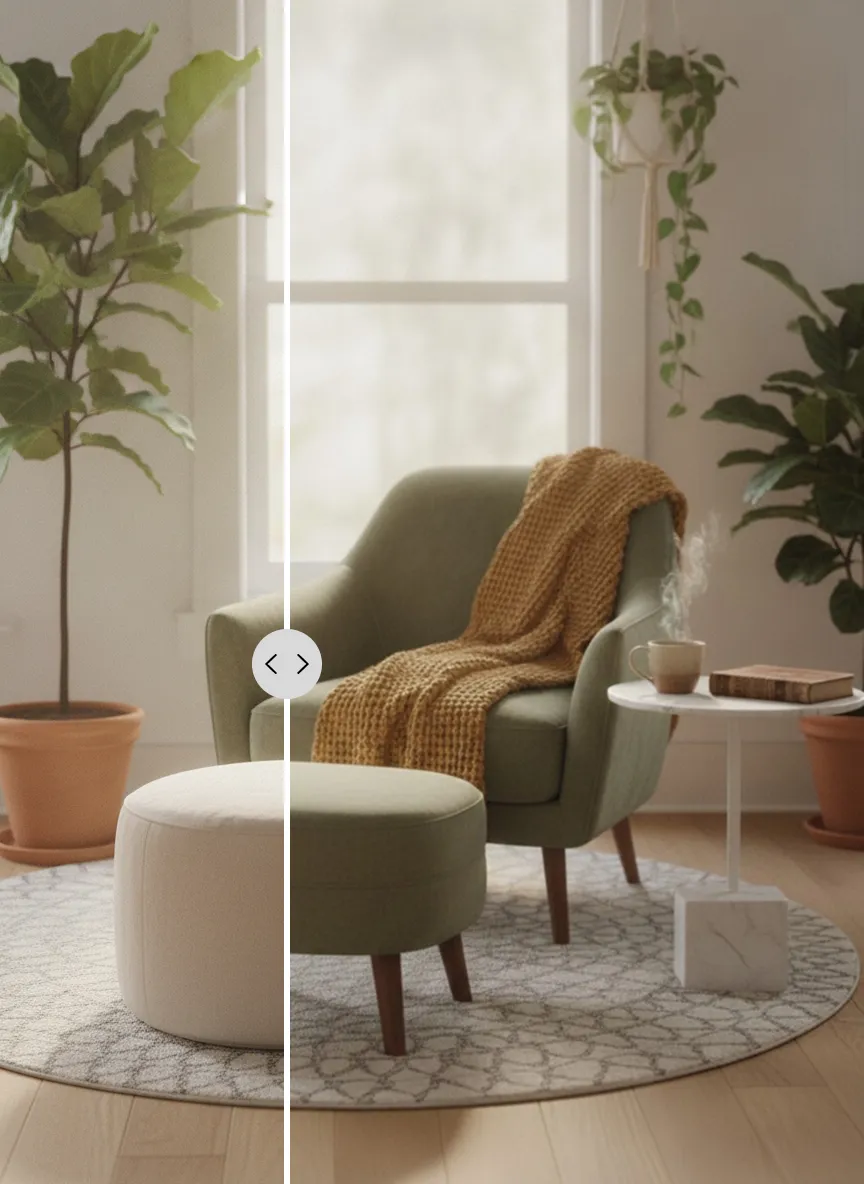
'Free' means four different things
Across this market the word does four separate jobs, and only one of them is useful to you.
- A genuine sample: full quality, no watermark, a small fixed number of designs.
- A watermarked preview: you see the composition but not the product.
- A quality-limited demo: low resolution, or a weaker model than the paid tier.
- A daily drip: a few credits every 24 hours, so you have to keep coming back.
How the field lines up
We surveyed twenty-three photo-in, photo-out design platforms in August 2026. Twenty offer some free tier, and the entry paid tier clusters around $19 a month.
InteriorAI has no free tier at all and starts at $49. Render quality itself is the paywall there: the entry plan runs a weaker model than the tier above it. RoomGPT, the tool that made this category go viral, gives one credit and hides its remaining tiers behind a signup. ReRoom publishes free renders to a public gallery, so what you pay for there is privacy. Decoratly skips subscriptions and sells a time-boxed project window from $3.99.
At the other end, Remodel AI's free tier is unusually honest: three designs at full quality, with every tool and style unlocked and no watermark. DecAI prices its paid plan in daily units, roughly $0.16 a day, to get around people's resistance to subscriptions.
Prices in this market move constantly, so check the two or three you shortlist before committing to any of them.
The number that matters is cost per usable image
Headline allowances mean little on their own. Typical utilisation runs 30 to 50%, and a generation you would never show anyone is a retry, so it shouldn't count as an image.
Subscription tools in this space land between roughly $0.14 and $0.65 per image. Per-image staging services with a person doing the work charge $7 to $16 for comparable output. Work out how many renders you need in a month (for most people redoing one or two rooms it's well under thirty) and price against that instead of the biggest number on the pricing page.
Why unlimited plans should make you suspicious
Several platforms advertise unlimited renders in the $15 to $29 range. Inference costs money, so an unlimited plan is a bet that most subscribers will barely use it. That bet works when it's backed by scale and negotiated model pricing. When it isn't, the usual results are a silent quality downgrade, a queue that gets slower every month, or a fair-use clause that appears once you become expensive.
A capped plan with an honest number is usually the more stable product. That's why CreateLevel publishes hard limits instead of the word 'unlimited'.
What to test in a free tier before you pay
Whichever tool you are looking at, run the same four checks. They take ten minutes and show you whether you're looking at a product or a demo.
- Use your own room. Sample photos are chosen to flatter the model.
- Try to iterate: change one object and keep the rest. Most tools fall apart here.
- Check the export: resolution, watermark, and whether the file holds up at print size.
- Read the licence before you put anything in a listing or a client deck.
Watch the demo
Frequently asked questions
- What is the best free AI interior design tool?
- It depends on what 'free' needs to cover. For a full-quality sample, look for tools that give a small fixed number of unwatermarked designs instead of a daily drip of watermarked previews. CreateLevel's free tier is five generations with every style and both interior and exterior modes unlocked.
- Is there a good RoomGPT alternative?
- RoomGPT was the original viral room restyler, but it's now a pure credit meter with its tiers behind a signup. Alternatives worth comparing on free tier quality, iteration tools and exterior support include CreateLevel, Remodel AI, HomeDesigns AI and REimagine Home.
- Can I use free AI interior design images commercially?
- Almost never. Free tiers across this market are for personal use and usually watermarked. Commercial rights, for client work, property listings and marketing, come with paid tiers.
Try it on your own room
Every style unlocked, interior and exterior both included. Plans from $7.
Keep reading
AI Interior & Room Design From a Single Photo
Free AI interior design from one photo: upload a room and get a photorealistic redesign in seconds. 50+ styles, mask-level editing, no credit card.
InteriorAI Alternatives: Free and Cheaper Options
Looking for a InteriorAI alternative? Compare CreateLevel, Spacely AI and ReRoom.ai on price, free tier, masking, sketch input and exterior support.
Room Redesign With AI: A Home Decorator's Workflow, Step by Step
A good home decorator starts with the room, the light and a palette, and gets to the furniture later. Room design AI lets you follow the same order on your own photo.
AI Photo Editor or AI Image Editor? What to Use to Redesign a Room
An AI photo editor fixes a photo. An AI image editor changes what is in it. Interior AI changes a room and keeps it believable. Which one you need depends on the job.
Scribble to Design: AI Image Generation From a Room Sketch (2026 Guide)
Scribble a room, get a photoreal render back. How scribble-to-image AI reads your sketch, how to draw furniture placement onto a real room photo, and which 2026 tools can do it.
CreateLevel vs Spacely, Mnml, Dehome, ReRoom, Gendo, NewArc and InteriorAI
Eight photo-in, photo-out design platforms in one table: price per render, which ones have object-level masking, which read a sketch, and which still can't leave the room.