How AI design tools behave in practice: what to draw, what to photograph, what the free tiers give you, and where a render stops being useful.
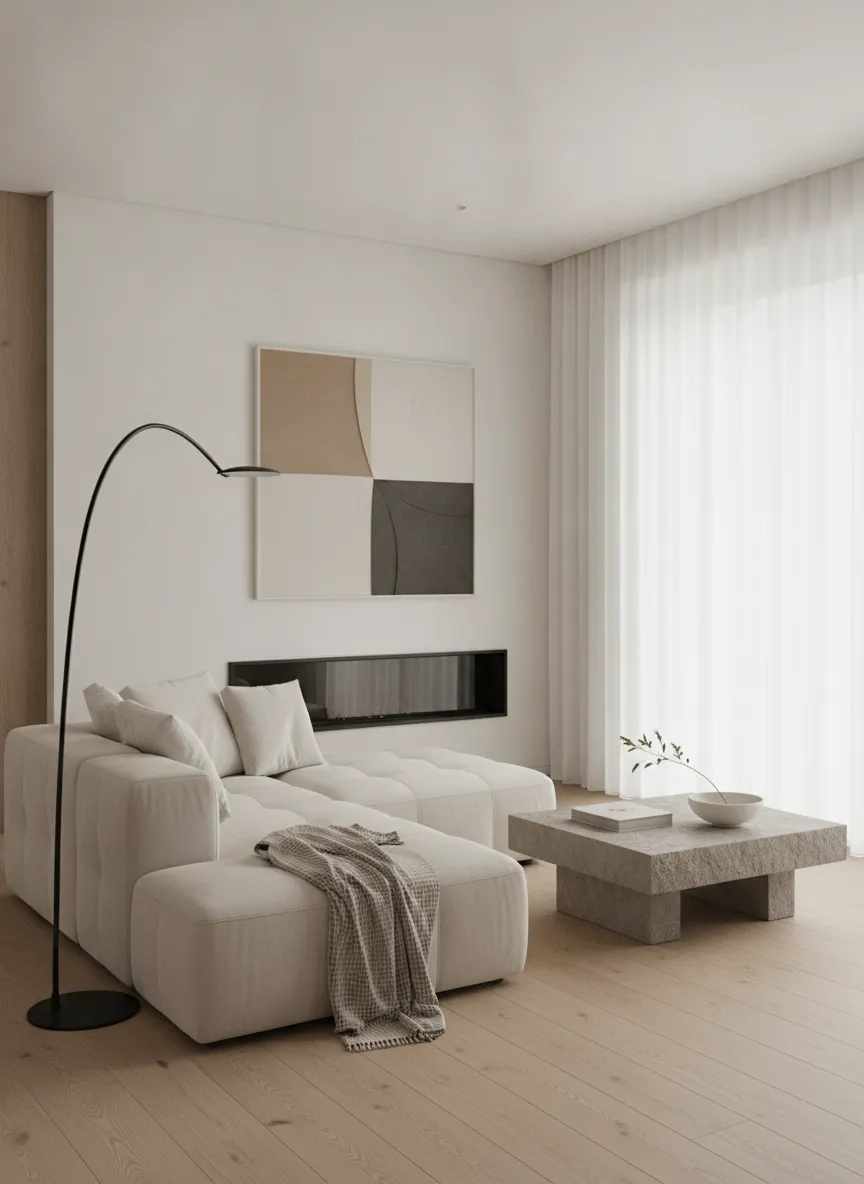
Eight photo-in, photo-out design platforms in one table: price per render, which ones have object-level masking, which read a sketch, and which still can't leave the room.
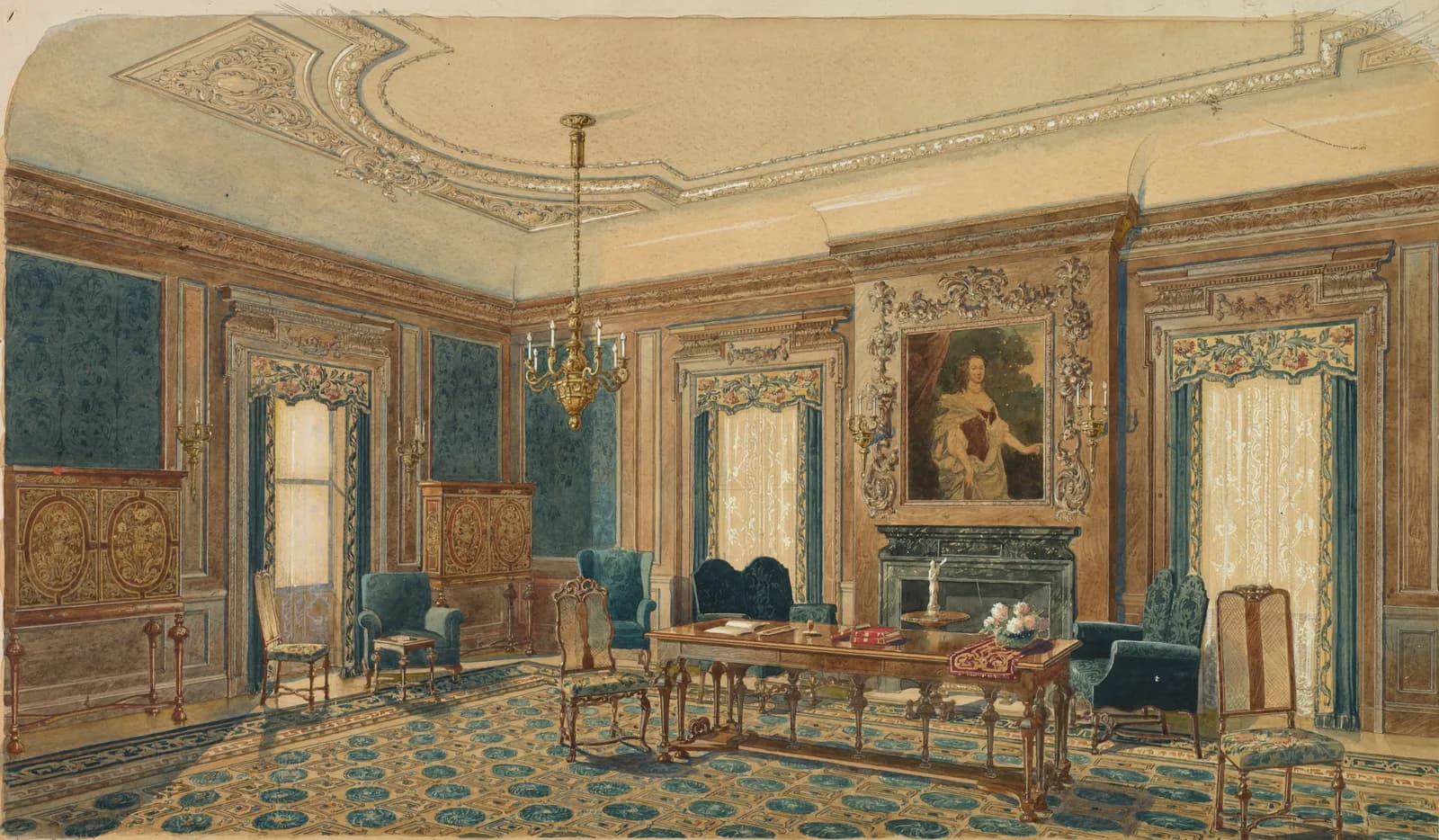
Text, photo, sketch, drawing: an AI image generator can start from any of them, and each controls something different. Pick the input that fixes the thing you care about.
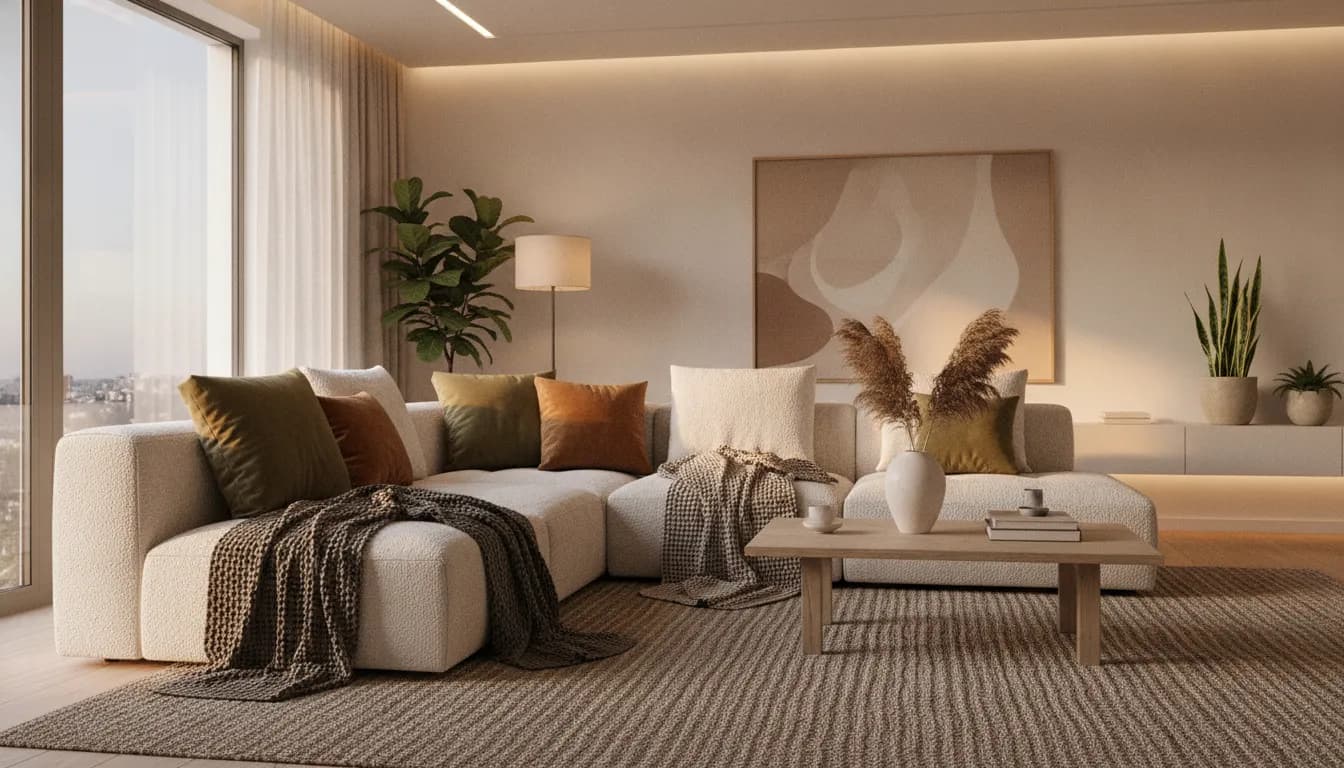
An AI photo editor fixes a photo. An AI image editor changes what is in it. Interior AI changes a room and keeps it believable. Which one you need depends on the job.
A good home decorator starts with the room, the light and a palette, and gets to the furniture later. Room design AI lets you follow the same order on your own photo.
Scribble a room, get a photoreal render back. How scribble-to-image AI reads your sketch, how to draw furniture placement onto a real room photo, and which 2026 tools can do it.
Twenty of twenty-three platforms advertise a free tier. Fewer than half of those free tiers show you the quality you would be paying for.
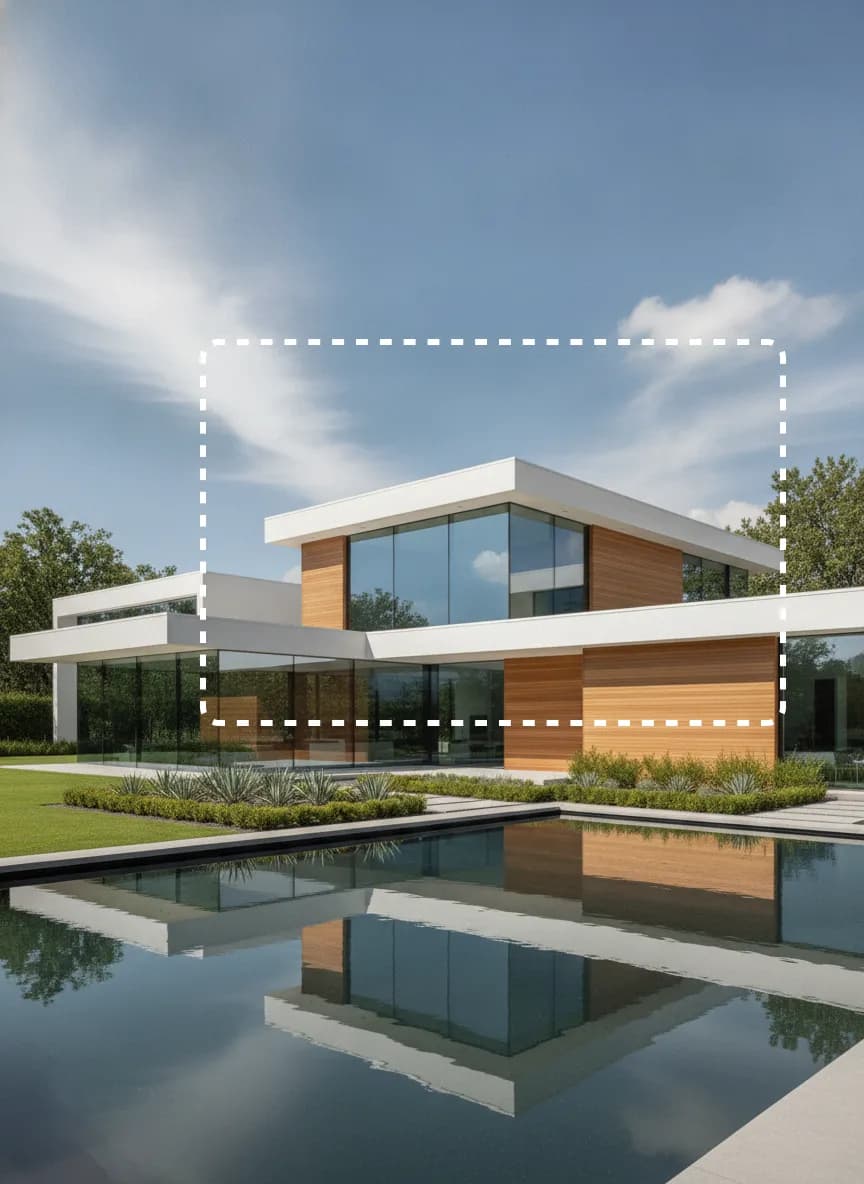
Half the AI design market can't work outside the room, which matters if you're renovating the outside of a building.
Most interior AI tools only let you type and hope. With a drawing feature you show the model where things go, and it only touches what you drew.
Free AI interior design from one photo: upload a room and get a photorealistic redesign in seconds. 50+ styles, mask-level editing, no credit card.
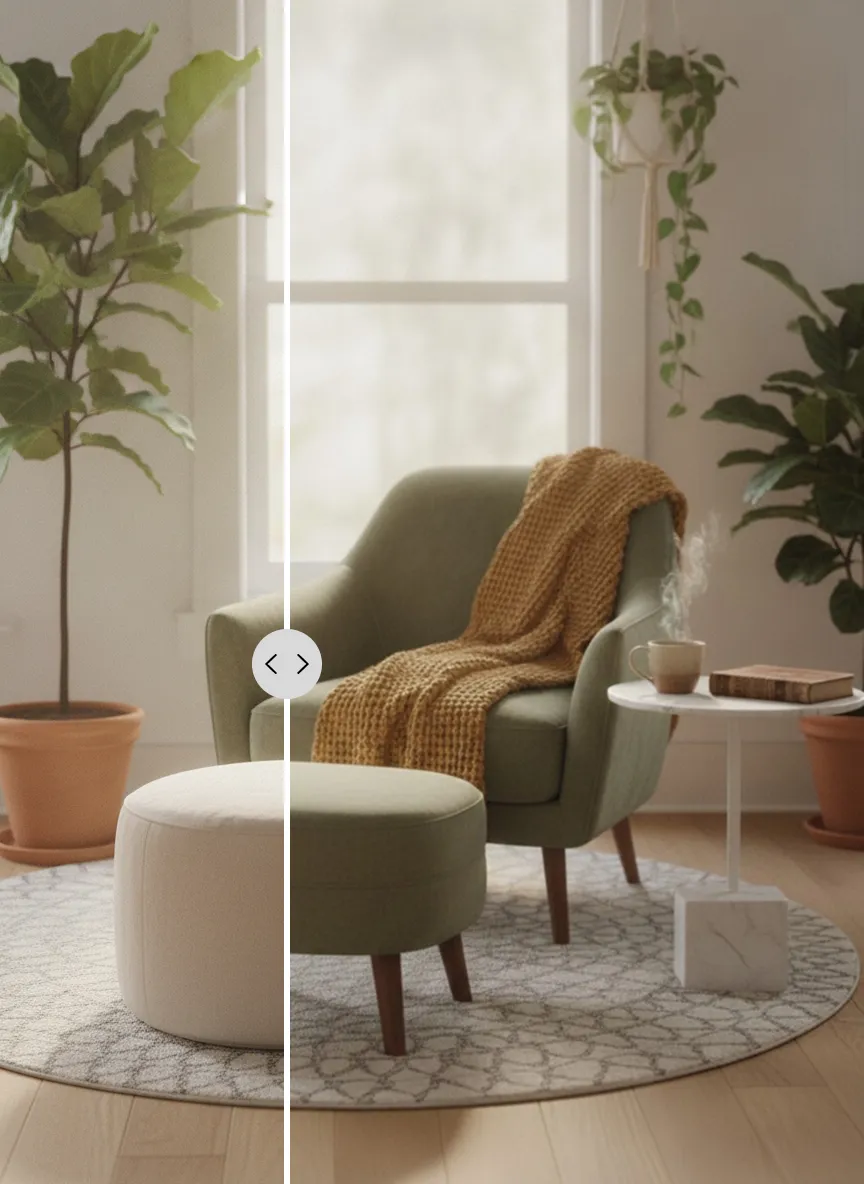
Redesign your living room with AI from one photo. Try new sofas, rugs, wall colours and layouts on your own room, free to start with no credit card.
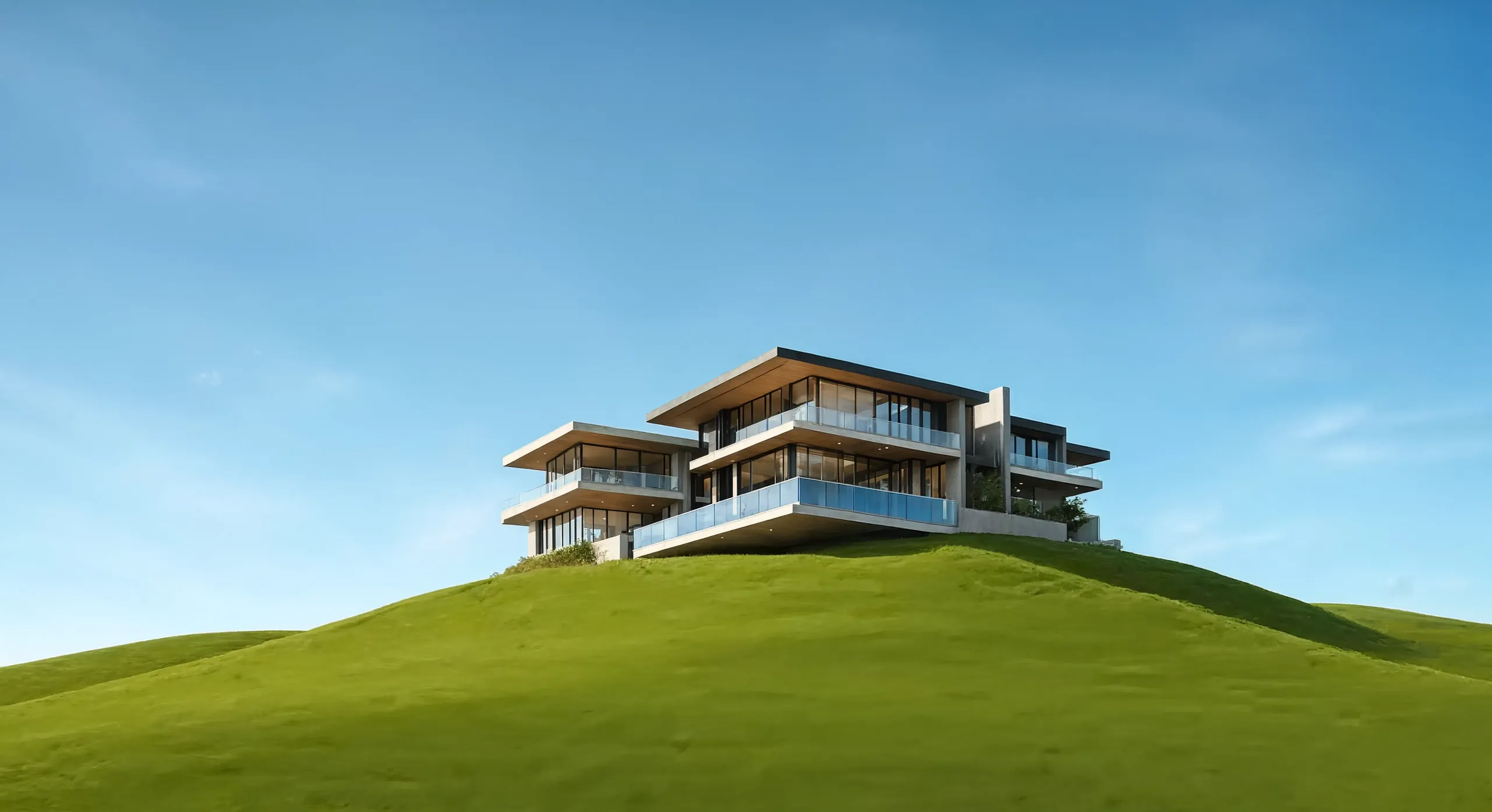
Free AI house exterior design from one photo. See a new facade, roof, cladding or garden before you commit a penny, in photorealistic renders made in seconds.
Sketch to image AI for rooms and buildings: draw a rough scribble and get a photorealistic render back. CreateLevel reads your linework (edges, openings and depth) and keeps your composition.
Virtual staging AI for real estate: stage an empty room in seconds instead of days, free to try. Furniture removal and twilight conversion for agents and photographers.
