
AI Photo Editor or AI Image Editor? What to Use to Redesign a Room
An AI photo editor fixes a photo. An AI image editor changes what is in it. Interior AI changes a room and keeps it believable. Which one you need depends on the job.
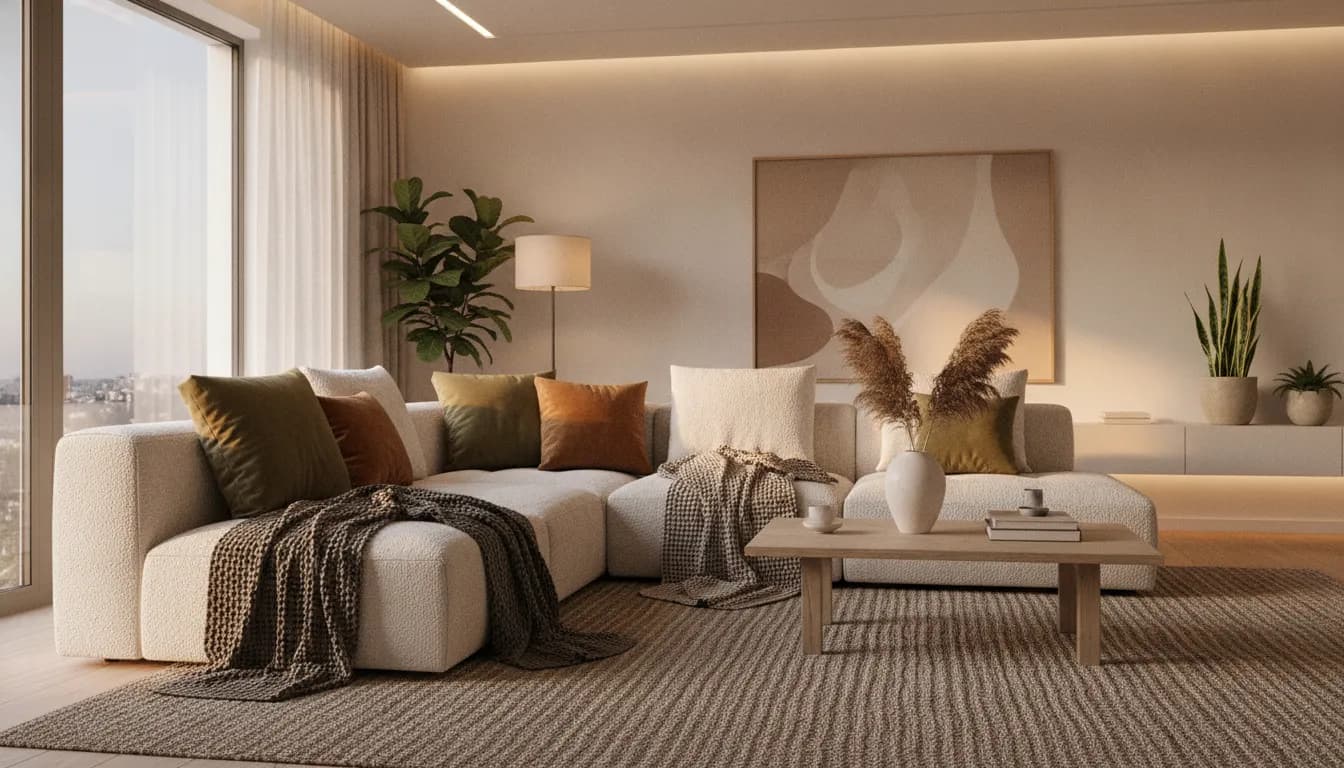
AI photo editor vs AI image editor: the difference
The two names get used interchangeably, but they describe different jobs. An AI photo editor improves a photo you already have: exposure, colour, sharpness, background removal, blemish cleanup. An AI image editor goes further and generates new content inside the image, such as replacing an object or extending the frame.
Both are general tools built to work on any image, so they know very little about how a room is supposed to look.
Where general editors go wrong on a room
Ask a general AI image editor to swap a sofa and you will often get a sofa that is the wrong size, floats above the rug, or casts light in the wrong direction. Rooms punish small errors, because people know exactly how a sofa, a window and a floor should sit together.
- Scale drifts: new furniture is too big or too small for the room.
- Perspective breaks: the new object does not follow the room's vanishing points.
- Light does not match: shadows fall the wrong way against the window.
- Other parts of the image change when only one thing should.
What interior AI adds
Interior AI is an AI image editor tuned for rooms. It treats walls, floors, windows and furniture as separate things, so an edit to one leaves the others alone. CreateLevel uses an object-level mask for this: paint over the item, describe the replacement, and generate.
The same upload also works for a whole-room redesign, so you can go from a single fix to a full restyle without starting again.
Which one to use
A quick way to choose:
- Fixing light, colour or clutter in a listing photo: an AI photo editor is enough.
- Changing one object or adding something new to a photo: an AI image editor with masking.
- Redesigning a room, testing styles or layouts: interior AI.
- Starting from a hand sketch instead of a photo: a tool with a drawing feature.
How to redesign a room photo in CreateLevel
The shortest path from a phone photo to a usable redesign:
- Take the photo from a corner or doorway so the room is fully in frame.
- Upload it and pick a style, or describe the look in a sentence.
- Compare variations and keep the one closest to what you want.
- Brush over anything you would still change and regenerate only that area.
- Export the final image and share it with whoever is doing the work.
Limits to know about
Any AI editor produces a picture. It doesn't know your measurements, your budget or what your building allows. Use the render to decide what you want, then check the details with a professional before you buy or build.
Watch the demo
Frequently asked questions
- What is the best AI photo editor for interior design?
- One that understands rooms. A general AI photo editor can retouch a photo, but interior AI keeps scale, perspective and lighting consistent when it changes furniture or finishes. CreateLevel is built for that, and its free tier lets you test it on your own photo.
- Is an AI image editor the same as an AI photo editor?
- Not quite. A photo editor improves the photo you have, and an image editor generates new content inside it, such as a swapped object. Many tools do both.
- Can I edit just one object in a room photo?
- Yes. Use a brush or mask tool over the object, describe the replacement, and generate. Only the masked area changes.
- Is interior AI free to try?
- CreateLevel gives you five free generations with no credit card, at 1024px with no watermark.
Try it on your own room
Every style unlocked, interior and exterior both included. Plans from $7.
Keep reading
AI Interior & Room Design From a Single Photo
Free AI interior design from one photo: upload a room and get a photorealistic redesign in seconds. 50+ styles, mask-level editing, no credit card.
Room Redesign With AI: A Home Decorator's Workflow, Step by Step
A good home decorator starts with the room, the light and a palette, and gets to the furniture later. Room design AI lets you follow the same order on your own photo.
Interior AI With a Drawing Feature: Sketch, Brush and Redesign Any Room
Most interior AI tools only let you type and hope. With a drawing feature you show the model where things go, and it only touches what you drew.