
Paint Visualizer: See New Colours on Your Own Walls and House
A paint chip is five centimetres of colour on white card. Your wall is three metres of it, next to an oak floor and a north-facing window. Upload a photo, brush over the wall, name the colour, and see the real thing in about thirty seconds.
Inside: one wall or the whole room
Brush over the wall right up to the ceiling line and the corners, then pull the brush back off the skirting and window frames. Describe the colour and finish, such as 'warm terracotta, matt', and generate. Only the wall changes; the furniture, the floor and the light stay exactly as photographed.
Try three colours on the same wall and put them side by side. A shade that looked calm on the card often turns out flat in a north-facing room, and you'll see that straight away.
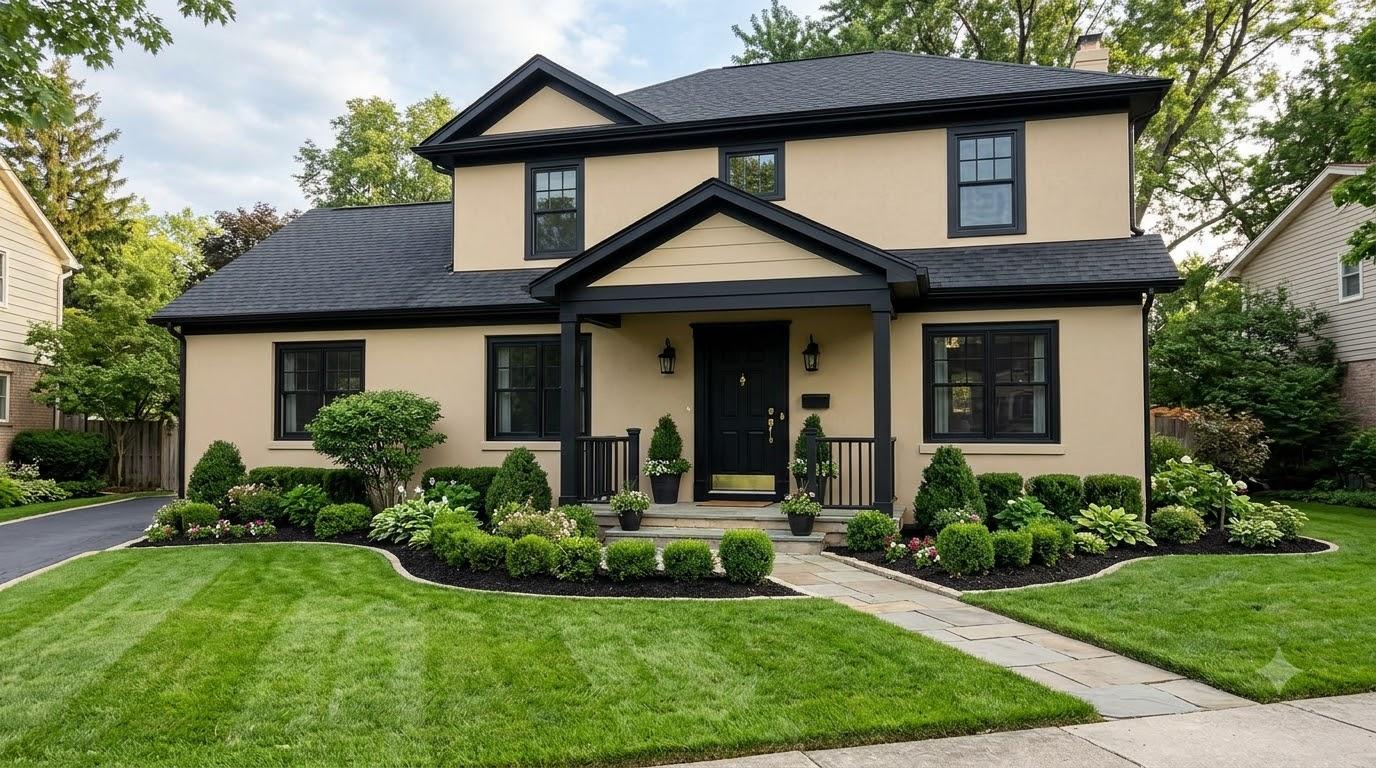
Outside: body, trim and front door
Do it in the order a painter would: the main walls first, then the window frames and fascia, then the front door as the accent. Mask each surface in its own pass so the choices you've already made stay put. Our step-by-step guide to house colour design covers the photo, the order and the combinations worth testing.
For bigger changes than paint, like new cladding, a roof or windows, the exterior design tools use the same masking.
Describing a colour so it comes out right
Paint names mean little to an image model, but a plain description does. 'Deep sage green, matt finish, keep the white window frames' works far better than a brand name on its own. If you've seen a house or room you love, add its photo as a reference image and the colour will follow it. Reference images come with every paid plan, from the $7 Day Pass.
Before you buy the paint
A render is a guide to the look, not a colour match. Screens and the light in your photo shift colours a little. Use the visualizer to narrow it to two or three, then paint real sample patches and look at them at different times of day.
Frequently asked questions
- Can I see paint colours on a photo of my own room?
- Yes. Mask the wall, describe the colour and finish, and generate. Only the masked wall is repainted.
- Does it work on the outside of a house?
- Yes. Mask the walls, the trim or the front door separately and each one changes on its own.
- Is the colour exact?
- Close enough to choose between options, not exact enough to match. Always check a real sample on the wall before buying.
- Is it free?
- You get five free generations with no credit card, enough to compare a few colours on one wall.
Try a colour on your own wall
Every style unlocked, interior and exterior both included. Plans from $7.
Keep reading
AI House Exterior & Facade Design From One Photo
Free AI house exterior design from one photo. Test house color design, a new facade, roof, cladding or garden before you commit a penny, in photorealistic renders made in seconds.
AI Living Room Design From a Photo of Your Room
Redesign your living room with AI from one photo: a room visualizer for new sofas, rugs, paint colours and layouts on your own room, free to start with no credit card.
House Colour Design: Test Exterior Paint Colours on a Photo of Your Home
A 5cm paint chip held against a brick wall tells you almost nothing about how a whole house will look in that colour. A photo of your actual house, repainted, tells you a lot.
Room Visualizer: Try Paint, Furniture and Layouts on a Photo of Your Room
Room planners are great at telling you whether a sofa fits. They're bad at telling you whether it looks right. For that you need your own room on screen, repainted and refurnished.
Change One Thing in a Room Photo With AI, Without Losing the Rest
You asked for a different sofa and got a different room. Masking is how you tell the AI which bit is up for change and which bits it has to leave alone.
House Colour Design: Test Exterior Paint Colours on a Photo of Your Home
A 5cm paint chip held against a brick wall tells you almost nothing about how a whole house will look in that colour. A photo of your actual house, repainted, tells you a lot.
Room Visualizer: Try Paint, Furniture and Layouts on a Photo of Your Room
Room planners are great at telling you whether a sofa fits. They're bad at telling you whether it looks right. For that you need your own room on screen, repainted and refurnished.