
AI Living Room Design From a Photo of Your Room
Take one photo of your living room from the doorway. CreateLevel keeps the walls, windows and floor where they are and redesigns the rest: the sofa, the rug, the wall colour and the lighting. Each version takes under thirty seconds.
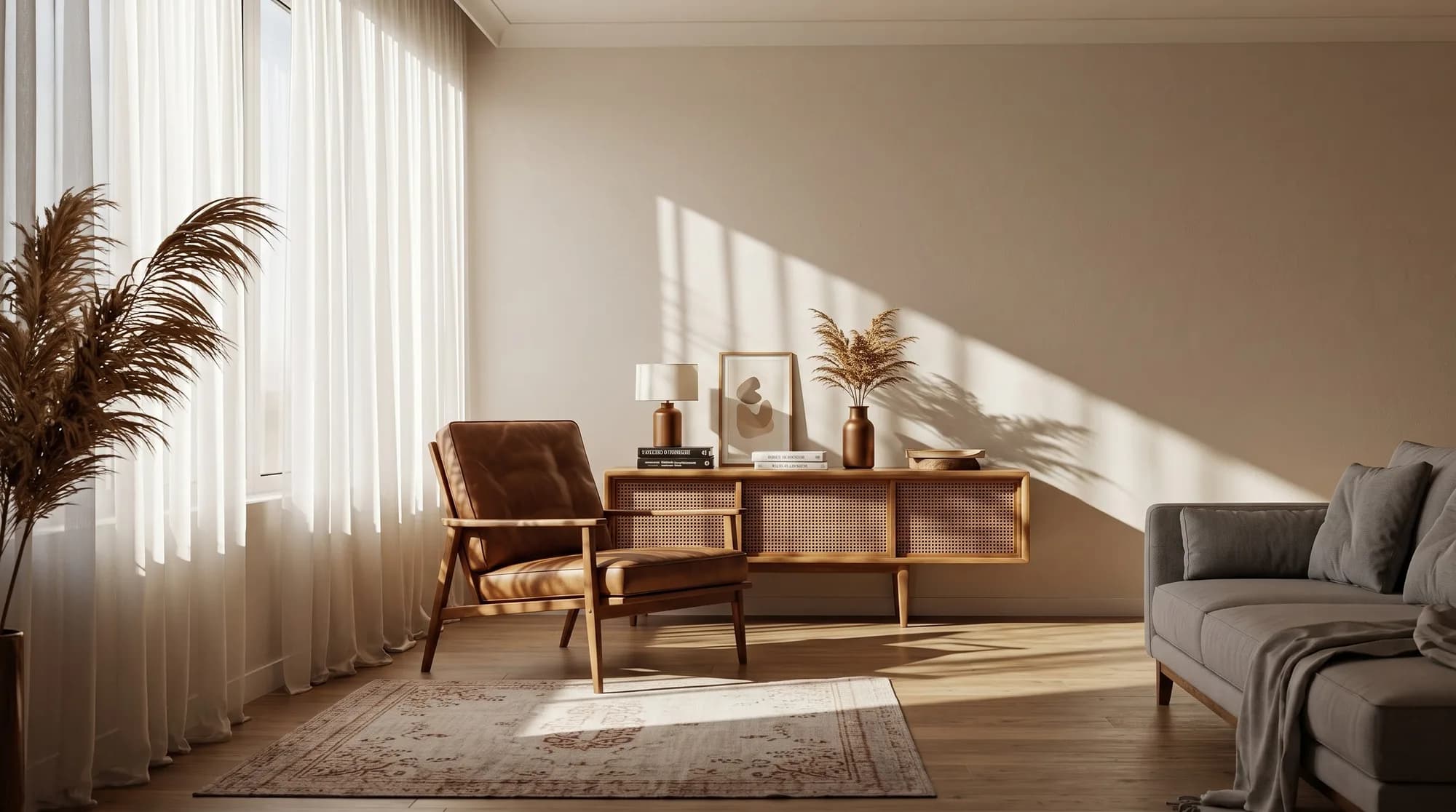
How to photograph a living room for AI
Living rooms are wide and full of furniture, which makes them harder to photograph than most rooms. Stand in a corner or the doorway so you can see at least two walls and the main window. Turn the lights on and open the curtains. Clutter can stay in the shot, because you can mask it out later.
What to change first
Work from the biggest surfaces down. The walls and floor set the mood for everything else, so settle those before you look at furniture.
- Wall colour, or one darker wall behind the sofa.
- Flooring: carpet to wood, or a dated wood to a lighter one.
- The sofa: its shape, size and fabric.
- The rug, usually big enough for the front legs of the sofa and chairs to sit on it.
- Lighting: a floor lamp or a pendant in place of a single ceiling light.
Try layouts before you move anything
Moving a sofa is heavy work, and you often only learn that a layout doesn't work after you've done it. In CreateLevel you brush roughly where the sofa or chairs should go and generate, so you can compare the sofa under the window with the sofa facing the fireplace in a couple of minutes. The brush fixes the position and the prompt describes the piece.
Living room styles to test
Every CreateLevel style works in a living room, from Japandi and Scandinavian to mid-century modern, industrial, coastal and bohemian. Keep the same photo and change only the style prompt to see your room several ways, then pick one direction and refine it piece by piece.
Keep the pieces you love
If a favourite armchair or bookcase is staying, leave it unmasked and redesign around it. Masking works at object level, so anything you don't paint over stays exactly as photographed.
Frequently asked questions
- Is there a free AI living room design tool?
- Yes. CreateLevel's free tier gives you five generations with no credit card, at 1024px with no watermark, and every style is unlocked.
- Can I see my own living room in a new style?
- Yes. Upload a photo and CreateLevel restyles that room, keeping its walls, windows and perspective, so you judge the change on your actual space.
- Can AI help me plan a living room layout?
- Yes, as a visual test. Brush where you want the sofa, chairs or table and generate to see the arrangement. Check real measurements before you buy furniture, because the render doesn't know your room's dimensions.
- Can I change just the sofa?
- Yes. Brush over the sofa, describe the one you want, and generate. Only the brushed area changes.
Try it on your own living room
Every style unlocked, interior and exterior both included. Plans from $7.
Keep reading
AI Interior & Room Design From a Single Photo
Free AI interior design from one photo: upload a room and get a photorealistic redesign in seconds. 50+ styles, mask-level editing, no credit card.
AI Virtual Staging for Real Estate Listings
Virtual staging AI for real estate: stage an empty room in seconds instead of days, free to try. Furniture removal and twilight conversion for agents and photographers.
Sketch to Image AI: Scribble, Draw, Render
Sketch to image AI for rooms and buildings: draw a rough scribble and get a photorealistic render back. CreateLevel reads your linework (edges, openings and depth) and keeps your composition.
CreateLevel vs Spacely, Mnml, Dehome, ReRoom, Gendo, NewArc and InteriorAI
Eight photo-in, photo-out design platforms in one table: price per render, which ones have object-level masking, which read a sketch, and which still can't leave the room.