
Sketch to Image AI: Scribble, Draw, Render
You don't need a photo to start. Draw the room or the elevation on paper, on a tablet or straight onto the CreateLevel canvas, and the AI treats your lines as structure.
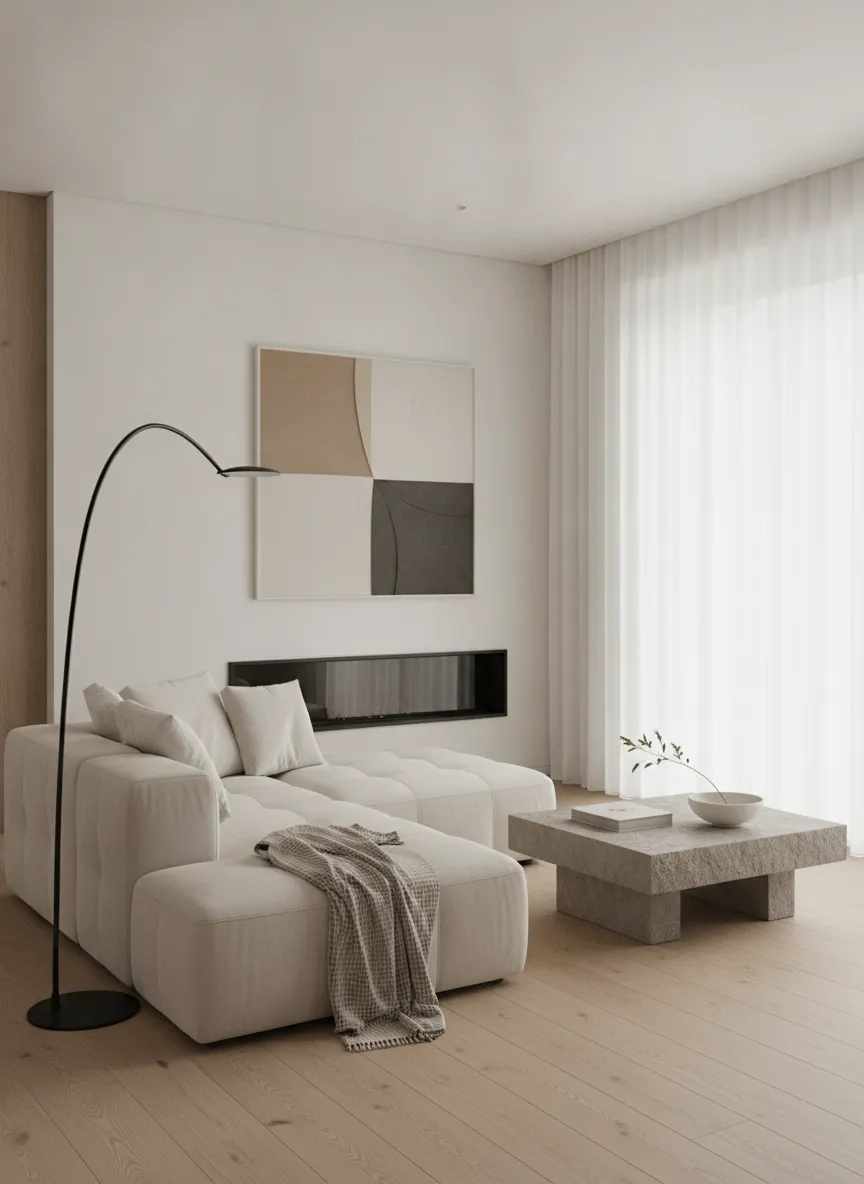
Scribble in, design out
CreateLevel's canvas has a brush, an eraser and a mask tool. Sketch the layout you want, such as a sofa here, a window there and a pitched roof over that wing, then describe the finish in a prompt. The generator keeps your edges and openings and invents the material, light and detail.
Sketch to image from a hand drawing
Most drawing AI treats a sketch as loose inspiration and repaints the composition. CreateLevel reads your linework as structure: where you drew a window there is a window, and where you blocked in a sofa there is a sofa. Draw with a stylus, a mouse or a finger on a phone, or photograph a pencil sketch on paper, and you get back the layout you drew.
What makes a sketch render well
Clean linework beats detailed shading every time. The model needs edges, depth and openings, and it reads pencil shading as real shadow.
- Close your shapes: an unclosed wall reads as an opening.
- Draw openings explicitly, because windows and doors anchor the scale.
- Keep one perspective. Mixed viewpoints confuse the geometry.
- Skip the hatching and shadows; the AI supplies lighting.
- Photograph paper sketches flat, in even light, with good contrast.
Try sketch to image AI free
Sketch input is part of the free tier. You get five generations with no credit card, enough to run one drawing through a few different prompts before you decide whether it fits your work.
Who uses it
Architects and designers use it to put a client-ready visual next to a concept sketch the same afternoon it was drawn. Homeowners use it to explain an idea that only exists in their head, and students use it to get a presentation board out of a studio sketch without three days in a render engine.
Frequently asked questions
- Is there a free sketch to image AI?
- Yes. CreateLevel's free tier includes sketch input, with five generations and no credit card required.
- Can I turn a hand drawing into a render?
- Yes. Photograph the drawing flat in even light, upload it, and describe the materials. Close your shapes and draw the windows and doors clearly for the best result.
- Can I scribble directly in the app?
- Yes. The canvas has draw, erase and mask tools, so you can sketch from nothing or draw on top of an existing photo to mark what should change.
- How rough can the drawing be?
- Rough is fine. It's a scribble-to-image model, so it doesn't need CAD precision. What matters is that the major edges and openings are legible: stick-figure furniture works, smudged tonal drawings don't.
- Does it work with CAD elevations and SketchUp exports?
- Yes, and they tend to give the most stable results, because the linework is unambiguous. Export a flat line view and treat it as the sketch input.
Try it on your own sketch
Every style unlocked, interior and exterior both included. Plans from $7.
Keep reading
AI Interior & Room Design From a Single Photo
Free AI interior design from one photo: upload a room and get a photorealistic redesign in seconds. 50+ styles, mask-level editing, no credit card.
AI Exterior Home Design & Facade Design
Free AI house exterior design from one photo. See a new facade, roof, cladding or garden before you commit a penny, in photorealistic renders made in seconds.
AI Virtual Staging for Real Estate Listings
Virtual staging AI for real estate: stage an empty room in seconds instead of days, free to try. Furniture removal and twilight conversion for agents and photographers.
AI Image Generator From a Photo, Sketch, Drawing or Text: Which Input to Use
Text, photo, sketch, drawing: an AI image generator can start from any of them, and each controls something different. Pick the input that fixes the thing you care about.
Scribble to Design: AI Image Generation From a Room Sketch (2026 Guide)
Scribble a room, get a photoreal render back. How scribble-to-image AI reads your sketch, how to draw furniture placement onto a real room photo, and which 2026 tools can do it.
Interior AI With a Drawing Feature: Sketch, Brush and Redesign Any Room
Most interior AI tools only let you type and hope. With a drawing feature you show the model where things go, and it only touches what you drew.