
AI Image Generator From a Photo, Sketch, Drawing or Text: Which Input to Use
Text, photo, sketch, drawing: an AI image generator can start from any of them, and each controls something different. Pick the input that fixes the thing you care about.
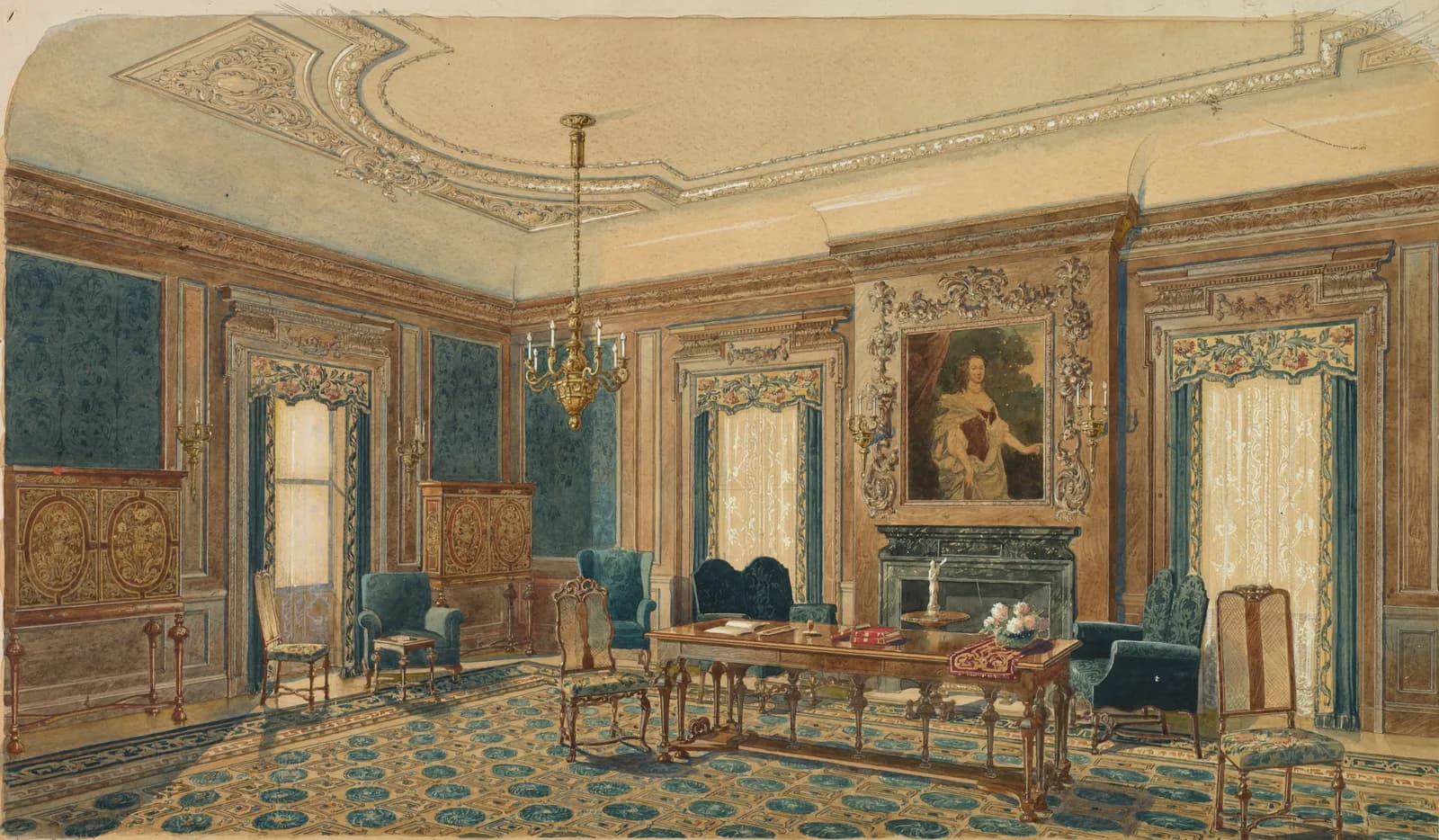
Four ways to start an AI image generator
Most people meet AI image generation through a text box. Text is only one of the inputs, and for rooms and buildings it's often the weakest. What you give the generator decides what it has to guess, and the guesses are where results go wrong.
- Text or prompt: describes style, material, colour and mood. Position and layout are left to chance.
- Photo: fixes the real room or building, its perspective, and its light.
- Sketch or scribble: fixes where things go, without needing a photo.
- Drawing or architecture sketch: fixes precise geometry, from a hand plan or CAD line view.
AI image generator from text or a prompt
A text prompt is the fastest start. 'Japandi living room, oak floor, warm evening light' returns a good-looking room in seconds. The catch is that the room is invented, so it won't match yours, and repeating the prompt gives a different layout each time.
Use text to explore a look before you commit to a layout. Keep prompts short and specific: material, colour, era, light.
AI image generator from a photo
Starting from a photo removes most of the guessing. The generator keeps the walls, windows and perspective, and changes only what you ask. Use this input when the result has to be about your own room or house.
A photo is also the starting point for AI image editing: brush over one object and only that area is regenerated. In CreateLevel the same upload supports a full restyle and a single-object change.
AI image generator from a sketch or scribble
A scribble is a rough layout drawn with a brush or a finger: a box for the sofa, a line for the window. Sketch to image tools read those shapes as positions and generate materials, light and detail on top. Scribble interior design AI is useful when the room doesn't exist yet, or when you want to test where furniture should go.
Keep the lines clean and skip shading, because the model reads pencil tone as real shadow.
AI image generator from a drawing or architecture sketch
A more careful drawing gives more control. An architecture sketch of a facade, a floor plan view or a line export from SketchUp or CAD sets openings, proportions and roof shapes precisely. Drawing to image edit tools then render the finish while respecting those lines.
For buildings, this is the reliable route from concept to a picture you can show a client. The exterior design guide covers how facade sketches render.
Combining inputs
The best results usually come from two inputs together. Let the drawing or photo fix the structure and the prompt describe the finish:
- Photo + prompt: redesign a real room in a chosen style.
- Photo + brush + prompt: change one object and keep the rest.
- Sketch + prompt: turn a layout idea into a finished-looking room.
- Architecture sketch + prompt: render a building concept with a specific material palette.
Limits to know about
An AI image generator produces a picture. It doesn't know real dimensions, structure or cost, so use the image to decide and to communicate, then confirm the details with a professional.
Watch the demo
Frequently asked questions
- Can an AI image generator work from a photo?
- Yes. Upload a photo and the generator keeps its structure and perspective while restyling or editing it. CreateLevel does this for rooms and building exteriors.
- Is there an AI image generator from a sketch?
- Yes. Sketch-to-image tools turn a scribble or line drawing into a rendered image. CreateLevel reads your linework as structure and generates the materials and lighting from your prompt.
- What is the difference between text-to-image and sketch-to-image?
- Text-to-image invents the layout from your words. Sketch-to-image takes the layout from your drawing, so position and proportions stay as you drew them.
- Can AI turn an architecture sketch into a render?
- Yes. Clean architectural line drawings, including CAD or SketchUp line exports, work well because the geometry is unambiguous.
- What is AI image editing?
- AI image editing changes part of an existing image, for example replacing an object or repainting a wall, while leaving the rest as it was.
Try it on your own room
Every style unlocked, interior and exterior both included. Plans from $7.
Keep reading
Sketch to Image AI: Scribble, Draw, Render
Sketch to image AI for rooms and buildings: draw a rough scribble and get a photorealistic render back. CreateLevel reads your linework (edges, openings and depth) and keeps your composition.
Scribble to Design: AI Image Generation From a Room Sketch (2026 Guide)
Scribble a room, get a photoreal render back. How scribble-to-image AI reads your sketch, how to draw furniture placement onto a real room photo, and which 2026 tools can do it.
Interior AI With a Drawing Feature: Sketch, Brush and Redesign Any Room
Most interior AI tools only let you type and hope. With a drawing feature you show the model where things go, and it only touches what you drew.
How to Redesign Your House Exterior With AI From One Photograph
Half the AI design market can't work outside the room, which matters if you're renovating the outside of a building.