
See Your Kitchen, Bathroom or Home Remodel Before It Starts
A remodel is a decision you live with for fifteen years. Photograph the kitchen or bathroom as it is today, then try new cabinet fronts, worktops, tiles and floors on that photo, one surface at a time, before anyone quotes for the work.
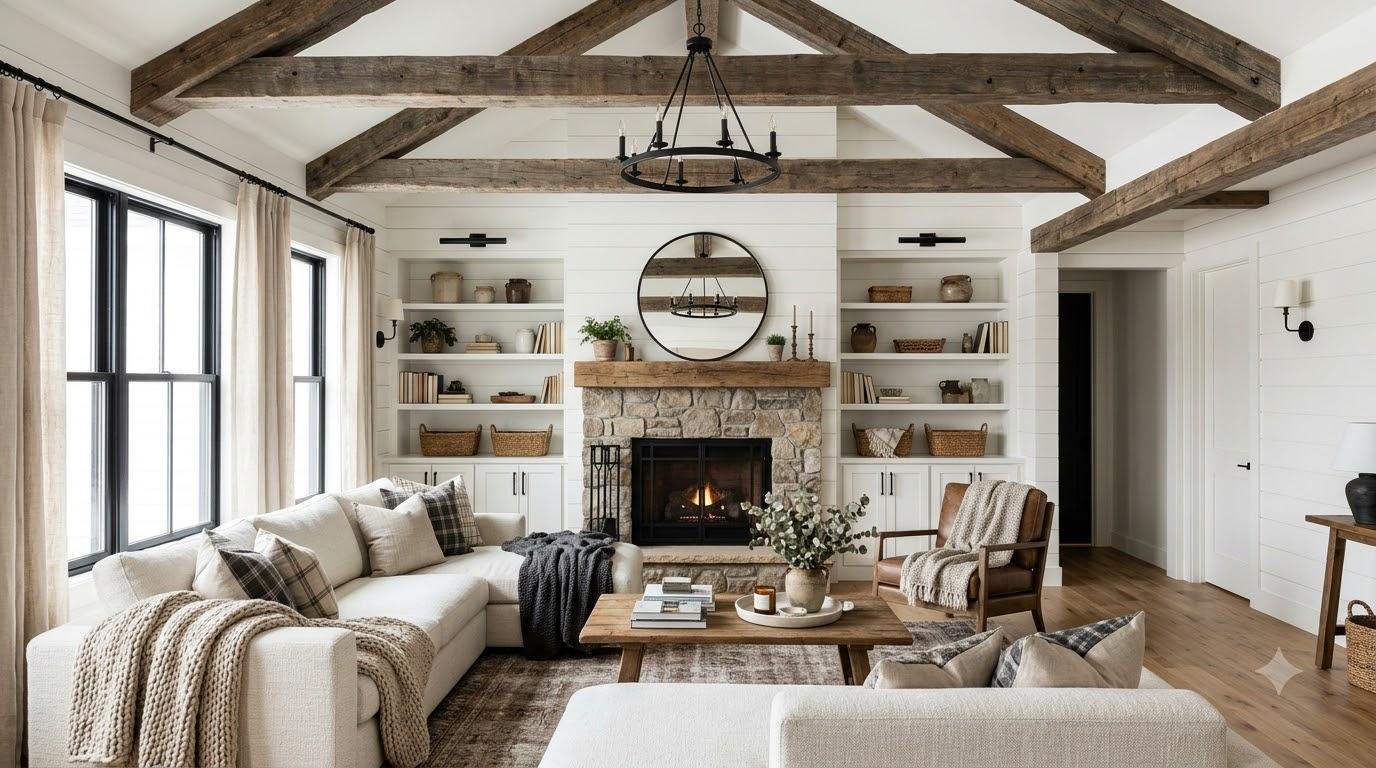
Kitchens: fronts, worktops and splashbacks
Most kitchen remodels keep the layout and change the surfaces, because moving plumbing is where the budget goes. That's exactly what a photo is good for. Mask the cabinet fronts and try a painted shaker in sage, then flat oak, then a dark navy, while the worktop and floor stay the same. Then do the worktop, then the splashback.
Each change is its own generation, so you can always step back to the version you liked.
Bathrooms: tiles, vanity and fittings
Bathrooms are small, so every surface shows. Try the wall tile first, since it covers the most area, then the floor, then the vanity and the brassware. Describe the tile plainly ('white zellige, vertical stack') and keep the fittings unmasked while you decide on it.
Whole-home and outside
The same approach works room by room across a house, and on the outside too, where exterior design handles cladding, roofs, windows and doors. If you're deciding with a partner or a builder, put every version on a shared canvas so nobody is looking at the wrong picture.
Take the picture to your contractor
A render isn't a drawing. It won't tell a builder about dimensions, plumbing or structure. What it does well is end the 'I'll know it when I see it' conversations: you show them the finish you want, on your own room, and the quote starts from a clear brief.
For one project, the $7 Day Pass covers 40 generations over a week. Contractors and designers showing remodels to clients need Pro, which carries the commercial licence. Both are on the pricing page.
Frequently asked questions
- Can I preview a kitchen remodel from a photo?
- Yes. Upload a photo of the kitchen, mask the cabinet fronts, worktop or splashback, and describe the new finish. Only the masked surface changes.
- Is it a 3D kitchen design tool?
- No. It gives you a photorealistic image of your own kitchen in a new finish, not a 3D model with measurements. Use it to choose the look, and a kitchen planner or fitter for the layout.
- Does it work for bathrooms?
- Yes. Tiles, vanities, baths, showers and fittings can each be masked and changed on a photo of your bathroom.
- Can I use the images with clients?
- Yes, on Pro, which includes the full commercial licence.
Preview your remodel
Every style unlocked, interior and exterior both included. Plans from $7.
Keep reading
Free AI Interior Design From a Photo of Your Room
Free AI interior design from one photo: upload a room and get a photorealistic redesign in seconds. 50+ styles, mask-level editing, no credit card.
Replace Furniture and Edit One Thing in Any Room Photo With AI
Replace one sofa, chair, rug or wall in a room photo with AI while the rest stays pixel-for-pixel the same. Brush a mask, describe the new piece, done in 30 seconds. Free to try.
AI House Exterior & Facade Design From One Photo
Free AI house exterior design from one photo. Test house color design, a new facade, roof, cladding or garden before you commit a penny, in photorealistic renders made in seconds.
Paint Visualizer: See New Colours on Your Own Walls and House
Try paint colours on a photo of your own room or house. Mask a wall, the trim or the front door and only that surface changes. Free to try, no card.
Shared Canvases: Design a Room Together, Live, With AI
Design feedback used to arrive as screenshots in a group chat. Now the photo, every render made from it and everyone's notes sit on one board, and the people you invite can watch ideas land as they happen.