
A Room Planner That Starts From a Photo of Your Room
Most room planners ask you to rebuild your room in 3D before you can try anything. Here you start from a photo of the room as it is, brush roughly where the sofa or the bed should go, and see the arrangement in your own light about half a minute later.
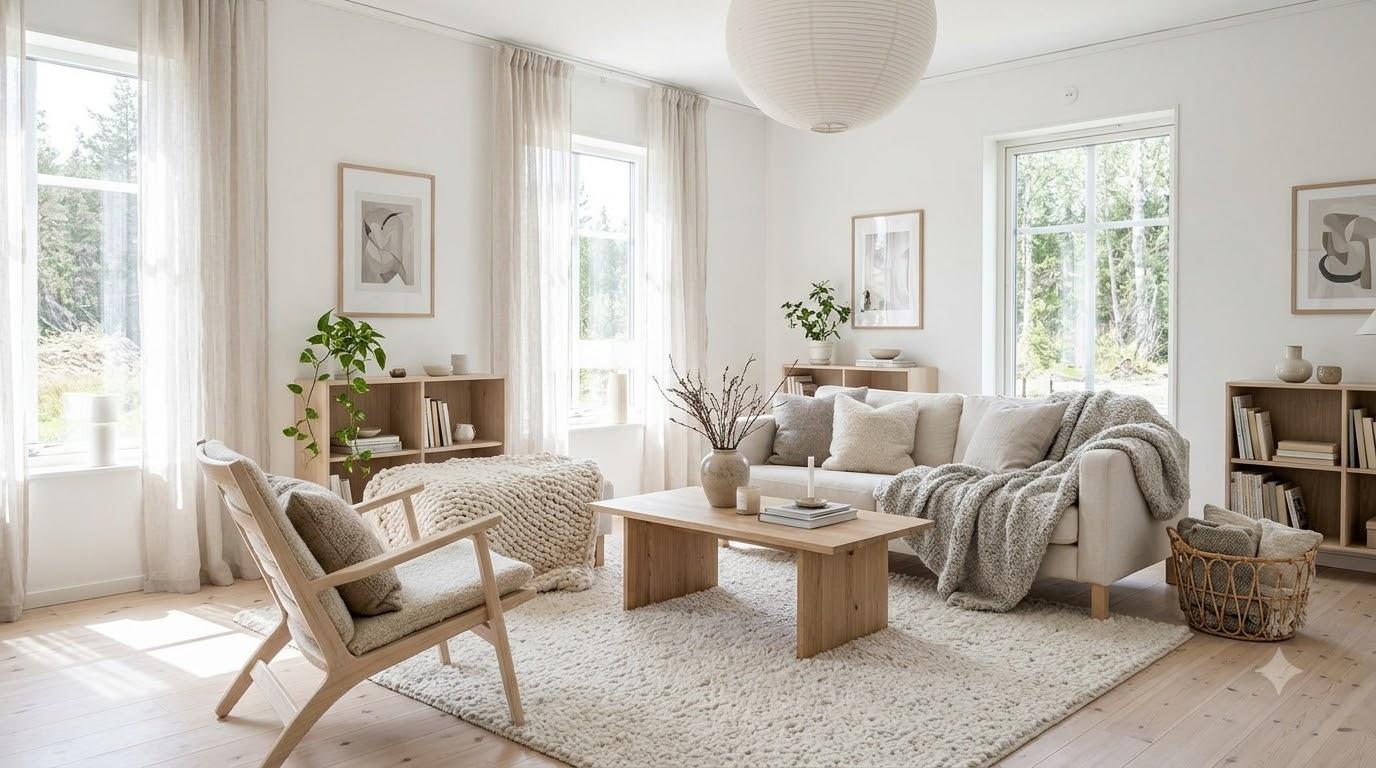
Plan on the room you actually have
A photo already holds everything a blank 3D box leaves out: the window that floods one corner, the radiator you can't move, the alcove that's ten centimetres too narrow for anything useful. Planning on top of it means every idea is tested against the real room.
Brush a rough block where a piece should sit, describe it in a few words ('low linen sofa, oak legs'), and generate. The brush fixes the position and the words describe the piece. Comparing the sofa under the window with the sofa facing the fireplace takes a couple of minutes, not an afternoon of lifting.
Bedrooms, living rooms and small spaces
Planning a bedroom layout usually comes down to three questions: which wall the bed goes on, where the wardrobe fits, and whether a desk can share the window. Try each wall in turn on the same photo and the answer is usually obvious once you see it.
In a small flat, test fewer, lower pieces before you test more storage. A render makes it clear when a room starts to feel crowded, which is hard to judge from a plan.
Where a measured planner still helps
A photo-based planner shows you whether a layout looks right. It doesn't know that your alcove is 92cm wide, so it won't warn you when a sofa won't fit. Settle the look here, then check the sizes with a tape measure or a 3D planner before you order anything. Our guide to room planners and room visualizers explains how the two fit together.
Keep the pieces you love
Anything you don't brush over stays exactly as photographed, so a favourite armchair can stay put while you rearrange around it. When you're ready to swap a single item, furniture replacement works the same way.
Five free generations are enough to try a few layouts in one room. For a whole home, the $7 Day Pass gives you 40 over a week with no subscription; the plans page has the details.
Frequently asked questions
- Is there a free online room planner that uses a photo?
- Yes. CreateLevel starts from a photo of your room and gives five free generations with no credit card, enough to compare a few layouts.
- Can I plan a bedroom layout with it?
- Yes. Brush where the bed, wardrobe or desk should go and generate. Try the bed on each wall from the same photo to compare them side by side.
- Does it check whether furniture fits?
- No. It shows how an arrangement looks, not whether it fits. Measure the space, or use a measured 3D planner, before you buy.
- Do I need to draw a floor plan first?
- No. One photo taken from the doorway or a corner is the only input.
Try a layout on your own room
Every style unlocked, interior and exterior both included. Plans from $7.
Keep reading
Free AI Interior Design From a Photo of Your Room
Free AI interior design from one photo: upload a room and get a photorealistic redesign in seconds. 50+ styles, mask-level editing, no credit card.
AI Living Room Design From a Photo of Your Room
Redesign your living room with AI from one photo: a room visualizer for new sofas, rugs, paint colours and layouts on your own room, free to start with no credit card.
Replace Furniture and Edit One Thing in Any Room Photo With AI
Replace one sofa, chair, rug or wall in a room photo with AI while the rest stays pixel-for-pixel the same. Brush a mask, describe the new piece, done in 30 seconds. Free to try.
Paint Visualizer: See New Colours on Your Own Walls and House
Try paint colours on a photo of your own room or house. Mask a wall, the trim or the front door and only that surface changes. Free to try, no card.
How to Redesign a Room With AI: The Order a Decorator Works In
A good decorator starts with the room, the light and a palette, and gets to the furniture last. AI gives better results when you follow the same order.
The Best Interior Design Apps for 2027: 9 Picks, Sorted by the Job
'Interior design app' covers three very different kinds of tool. Pick the wrong kind and even the best app in it will feel useless. Here's how to tell them apart, and the best pick in each.
Room Visualizer: Try Paint, Furniture and Layouts on a Photo of Your Room
Room planners are great at telling you whether a sofa fits. They're bad at telling you whether it looks right. For that you need your own room on screen, repainted and refurnished.