
The Best Interior Design Apps for 2027: 9 Picks, Sorted by the Job
'Interior design app' covers three very different kinds of tool. Pick the wrong kind and even the best app in it will feel useless. Here's how to tell them apart, and the best pick in each.
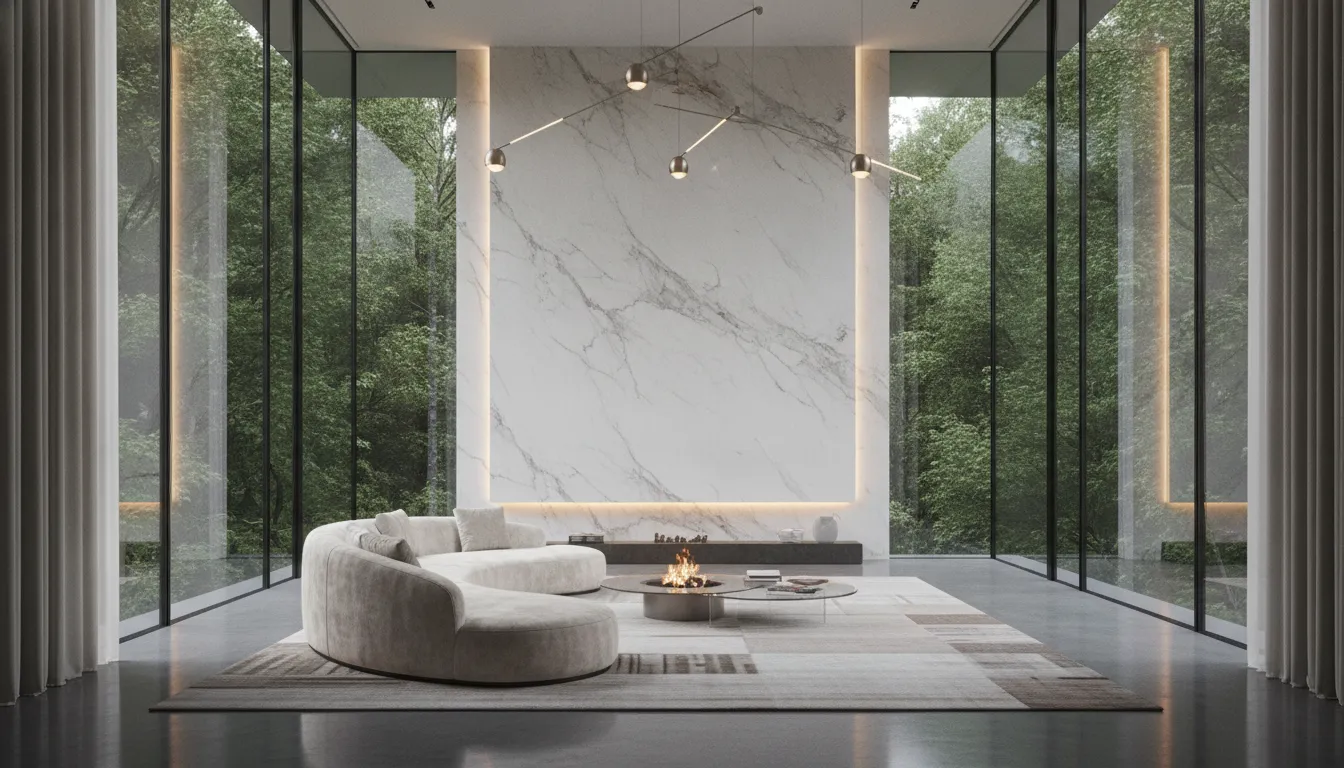
Three kinds of interior design app
Most 'best app' lists rank tools that do completely different jobs against each other, which is how people end up drawing a floor plan when all they wanted was to see a green sofa in their lounge. Pick the kind first:
- AI room designers take a photo of your room and return it redesigned in seconds. Best for style, colour and furniture.
- 3D room planners have you draw the room and drag furniture in. Best for layouts and checking that things fit.
- Pro rendering tools turn sketches and 3D models into presentation images. Best for architects and designers.
The picks at a glance
We build one of these, CreateLevel, so we have an obvious bias. Prices come from each company's own pricing page, checked on 18 November 2026 (22 November for Gendo), and we judged each on what it advertises rather than a blind quality test.
| App | Type | Best for | From | Free option |
|---|---|---|---|---|
| CreateLevel | AI room designer | Editing your own room, one object at a time | $7 pass or $19/mo | 5 generations, no card |
| Spacely AI | AI room designer | Cheapest monthly plan | $10/mo | 40 credits, watermarked |
| ReRoom.ai | AI room designer | Unlimited interior renders | $39/mo | 3 a day, watermarked |
| InteriorAI | AI room designer | High-volume staging | $49/mo | None |
| Dehome.ai | AI room designer | Pay-as-you-go credits | $9.99 pack | None |
| Planner 5D | 3D room planner | Floor plans and layouts | Free to start | Yes |
| Homestyler | 3D room planner | 3D renders of a planned room | Free to start | Yes |
| Gendo | Pro rendering | Architecture studios | $100/mo | 1 watermarked canvas |
| Mnml.ai | Pro rendering | Facades and exteriors | $29/mo | 100 credits |
AI room designers: redesign a photo of your room
CreateLevel restyles a room from one phone photo, but it earns its place on the second edit: brush over the sofa and only the sofa changes. You can also scribble on the photo to place a new piece, do house exteriors, and share a live canvas with a partner. Five free generations, then a $7 Day Pass or $19 a month; commercial use needs Pro at $49. It runs in the browser, so there's nothing to install.
Spacely is the cheapest monthly plan at $10 for roughly 100 renders, with single-object editing from its $25 plan. ReRoom offers unlimited renders for $39 a month. InteriorAI is built for volume, from $49 for 1,000 designs, with no free tier. Dehome sells non-expiring credit packs from $9.99.
3D room planners: get the layout right
AI renders are great for deciding how a room should feel and bad at telling you whether a 240cm sofa fits between the radiator and the door. For that, use a planner where you enter real measurements. Planner 5D is the one people recommend first: draw in 2D, switch to 3D, drag furniture from a big catalogue, on web, iPhone or Android. Homestyler leans more on rendering and suits rooms that don't exist yet. Both are free to start.
For architects and designers
Gendo is a collaborative rendering canvas for practices: Studio is $100 a month with five seats and unlimited generations, and it's architecture-first (we compared it in Gendo vs CreateLevel). Mnml.ai has strong exterior and elevation tools at $29 a month, with 100 free credits and no card.
Which app should you use?
Match it to where you are:
- 'I want to see my living room in a different style': an AI room designer, like CreateLevel or Spacely.
- 'I like the redesign but want a different sofa': an app with masking, like furniture replacement.
- 'Will this layout work?': a 3D room planner such as Planner 5D, or try the look first with a photo-based room planner.
- 'My partner and I need to agree': a tool with shared boards.
- 'I'm staging listings every week': ReRoom or InteriorAI for volume, CreateLevel Pro for single-object edits.
- 'I'm an architecture practice': Gendo, or Mnml for exterior-heavy work.
Frequently asked questions
- What is the best interior design app for 2027?
- It depends on the job. To redesign a photo of your own room, an AI room designer like CreateLevel or Spacely. To plan layouts with real measurements, Planner 5D. For architecture studios, Gendo.
- What is the best free interior design app?
- For AI redesigns of your own photo, CreateLevel gives five free generations with no card and no watermark. For layouts, Planner 5D and Homestyler are free to start.
- Is there an AI app that designs my room from a photo?
- Yes. AI room designers like CreateLevel, Spacely and ReRoom take a photo of your room and return a redesign in seconds, keeping the walls and windows where they are.
- Is there an interior design app for iPhone?
- Planner 5D and Homestyler have iPhone apps. CreateLevel runs in Safari with no install: take the photo and upload it from the browser.
Curious how your own room would look?
Upload a photo and try it. The first five generations are free, no card needed, and the plans start at $7 if you want more.
Keep reading
Free AI Interior Design From a Photo of Your Room
Free AI interior design from one photo: upload a room and get a photorealistic redesign in seconds. 50+ styles, mask-level editing, no credit card.
A Room Planner That Starts From a Photo of Your Room
Plan a room on a photo of the room itself. Try furniture layouts, paint and flooring in your real light, then check the measurements. Free to start, no card.
Free AI Interior Design: 7 Tools Tested, and What 'Free' Really Gets You
Most AI interior design tools say they're free. Some give you full-quality renders, some a watermarked preview, and some nothing until you pay. Here's what each one actually includes.
Best AI Interior Design Software in 2026: 8 Tools Compared
Eight photo-in, photo-out design tools on one page: what a render really costs, which let you change a single object, and which can handle the outside of a house.
The Best AI Visualization Tools for 2027, Picked by Use Case
There's no single best AI visualization tool, because an architect, a homeowner and an estate agent need different things. Here's the pick for each job, and what it costs.
Gendo vs CreateLevel: Two Collaborative AI Design Canvases Compared
Both tools put AI renders on a shared canvas your team can work on. They're built for different people, though, and the price gap is big enough that picking the wrong one hurts.